
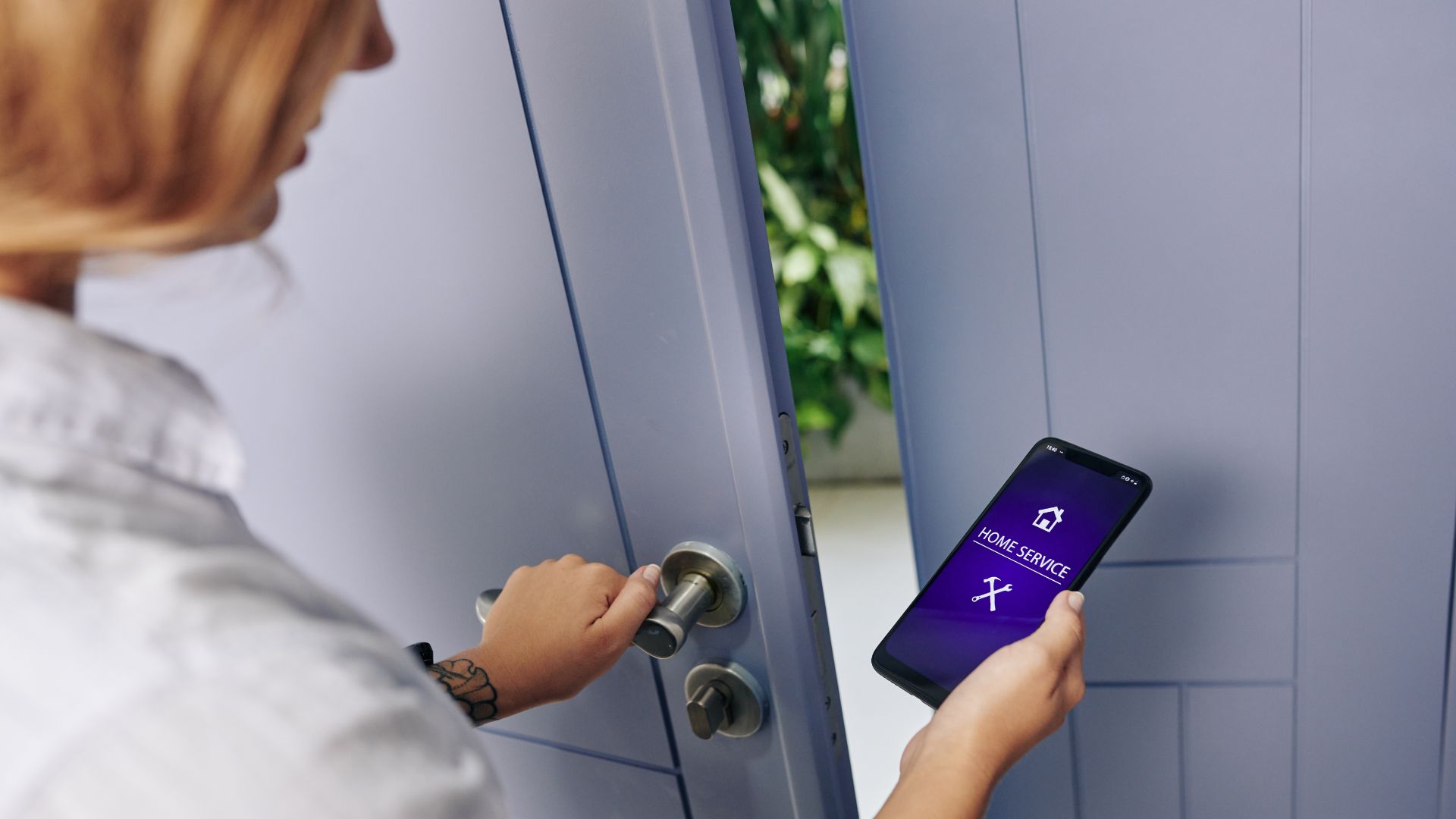
Smart locks are rapidly becoming a staple in modern home security. Their convenience, remote control features, and seamless integration with home automation systems make them an appealing upgrade. But like any internet-connected device, smart locks are not without risks. This blog explores the potential security vulnerabilities of smart locks and provides actionable tips to help you safeguard your home effectively.
What Are Smart Locks?
Smart locks are electronic locks that allow you to lock and unlock doors without a physical key. They can be operated via smartphone apps, voice commands, biometrics (like fingerprints or facial recognition), or programmable codes. Many models also offer remote access, logs of entry history, and integration with smart home systems like Alexa or Google Assistant.
Top Security Concerns with Smart Locks
-
Hacking Risks
Just like any IoT (Internet of Things) device, smart locks can be vulnerable to hacking. Cybercriminals can exploit weaknesses in the software, intercept data through unencrypted channels, or even trick the system using spoofing techniques. One well-known method is the “replay attack,” where a hacker captures a signal and reuses it to gain unauthorized access. -
Connectivity Failures
Smart locks rely on batteries, Wi-Fi, or Bluetooth to function. If the battery dies or the internet connection drops, you may find yourself locked out. Some models have backup key slots, but others depend entirely on electronic access. -
Privacy Issues
Some smart locks log entry and exit times, which could be exploited if this data falls into the wrong hands. Additionally, if your smart home ecosystem is compromised, a hacker could potentially access all connected devices, including your lock.
Ready to upgrade your security? Visit our website and discover locksmith solutions tailored to your needs.
How to Secure Your Smart Lock
-
Choose Trusted Brands
Opt for smart locks from well-reviewed manufacturers known for robust security protocols and frequent firmware updates. -
Keep Your Firmware Updated
Always keep your smart lock’s software current. Updates often include security patches that protect against new vulnerabilities. -
Secure Your Home Network
Use a strong, unique password for your Wi-Fi and enable WPA3 encryption. Consider creating a separate network just for your smart devices to isolate them from your main network. -
Enable Two-Factor Authentication (2FA)
If your lock’s app offers it, use 2FA. This adds an extra layer of security by requiring a secondary form of verification in addition to your password. -
Monitor Access Logs
Regularly check the entry logs to ensure no unauthorized individuals have accessed your home.
You can also read: DIY vs. Professional Locksmith: Should You Call an Expert?
Smart Lock vs Traditional Lock: Which is Safer?
While traditional locks can be picked or bumped, smart locks are susceptible to cyber attacks. However, combining both technologies — for example, using a smart deadbolt with a keyed backup — can offer enhanced security and peace of mind.
When Is a Smart Lock Right for You?
If you frequently lose keys, travel often, or need to provide temporary access to guests or service workers, a smart lock may be ideal. Just be sure to understand the tech and take the necessary precautions.
Professional Installation Is Key
Even the best smart lock won’t protect you if it’s improperly installed. A professional locksmith can ensure correct installation, recommend the best models for your needs, and help you configure security features.
Protect your home with confidence. Contact DaniLocksmith today for expert smart lock installation and advice.
Final Thoughts
Smart locks offer tremendous convenience, but they also require a proactive approach to cybersecurity. Treat your smart lock like you would any other connected device — keep it updated, secure your network, and stay informed about potential vulnerabilities.
If you liked this article, share it with others and don’t forget to follow us on Instagram and Facebook, as well as check out our services at danilocksmith.com